
This month’s updates are about making your financial picture more legible. The better Vings can represent what you own, organize the noise, and show change over time, the easier it becomes to notice what matters.
New Features
Securities and Holdings
We've enhanced our investment tracking capabilities with detailed securities and holdings information. When you click into banks that have investment accounts on your portfolio page, you can now see:
- Individual Securities: View each stock, bond, or fund you own
- Detailed Information: Access ticker symbols, quantities, and security types
- Smart Organization: Holdings are automatically sorted by value for easy prioritization
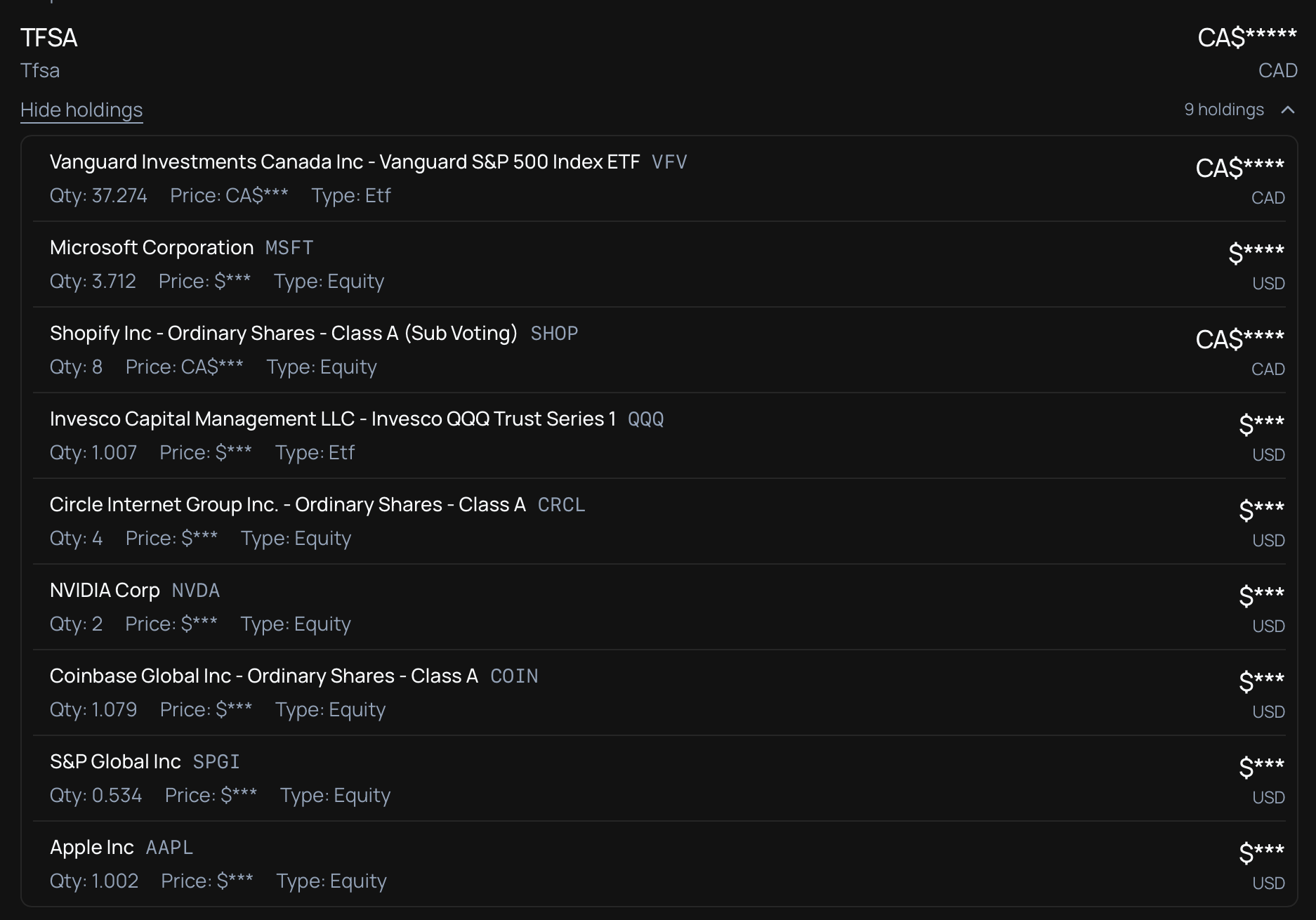
This works with your existing investment accounts connected through Plaid, making it easier to understand what is actually inside your portfolio instead of seeing only a top-line balance.
Transaction Rules
Transaction rules help turn messy histories into cleaner signal. You can now create automated rules that:
- Auto-categorize: Automatically assign categories to transactions from specific merchants
- Hide Transactions: Keep unwanted transactions out of your view (like internal transfers)
- Bulk Application: Apply rules to existing transactions instantly
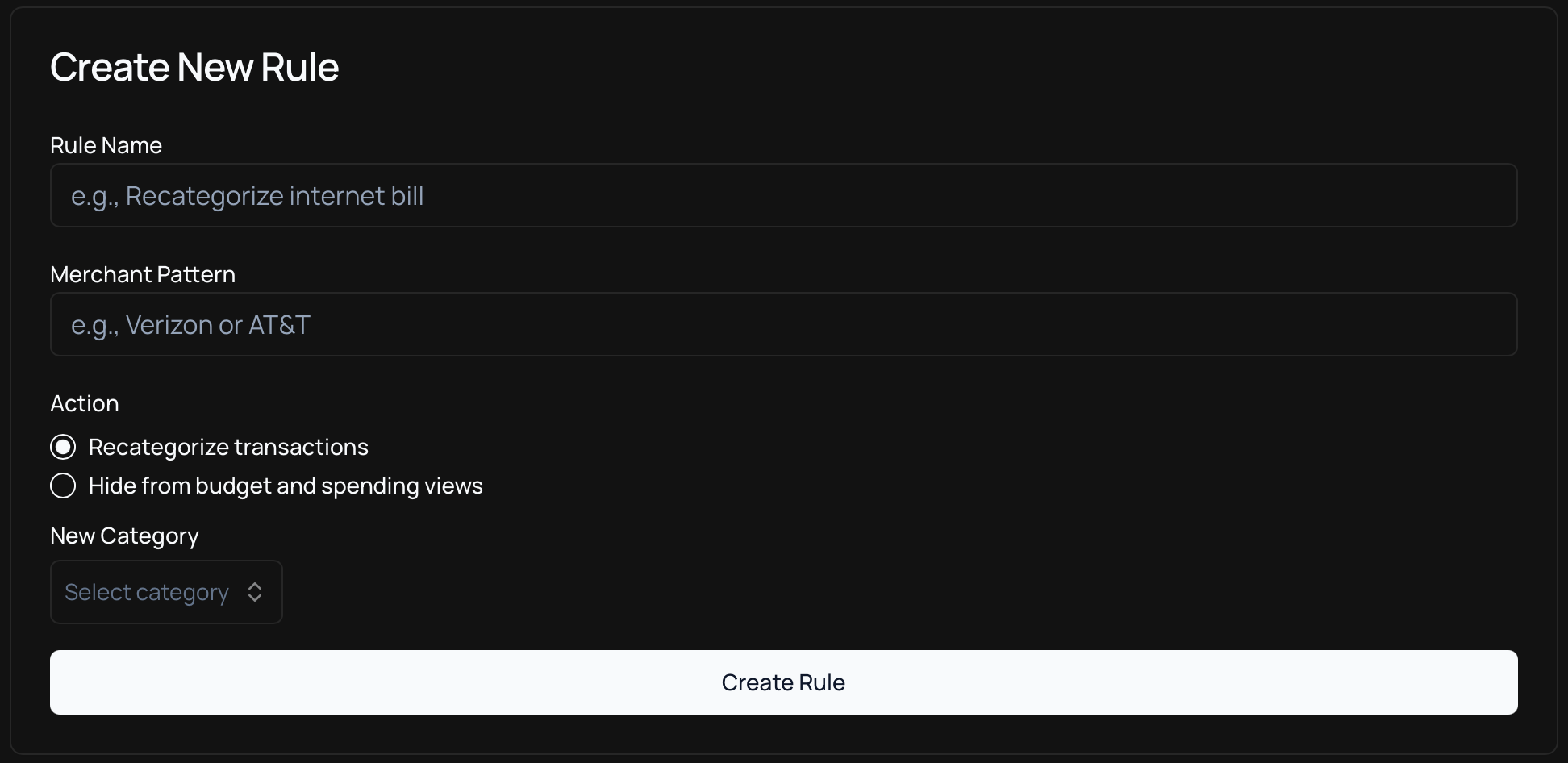
For example, create a rule to automatically categorize all transactions from "Starbucks" as "Food & Dining" or hide all transactions from "PayPal" to clean up your transaction list.
Bank Account Filters
Enhanced filtering capabilities now let you focus on specific accounts when reviewing your transactions. The new bank account filter allows you to:
- Select Multiple Accounts: Choose any combination of your connected accounts
- Quick Access: Easily toggle between different bank accounts and credit cards
- Flexible Filtering: Combine with existing category and date filters for precise control
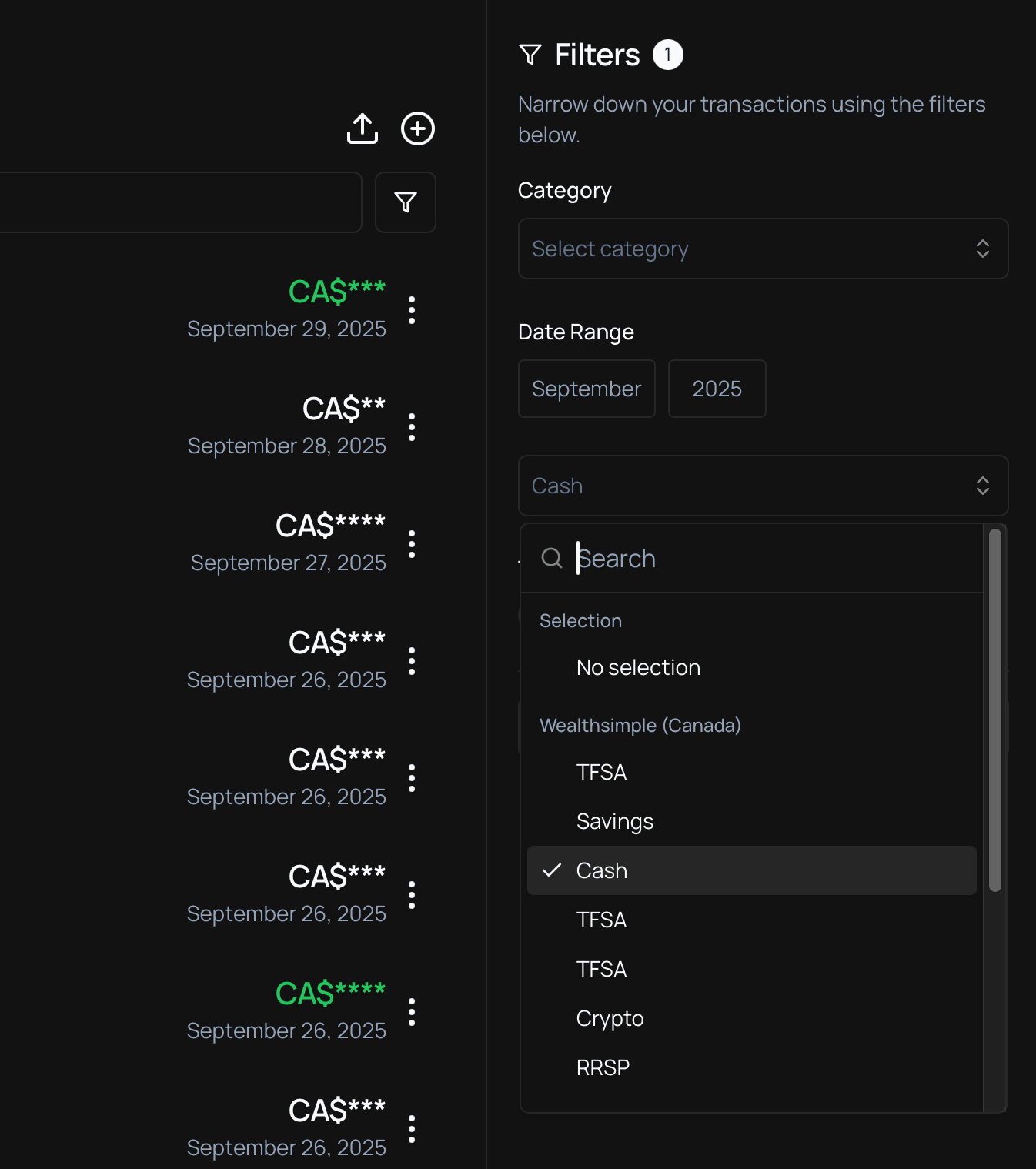
This is especially useful when you want to understand where a shift came from without scanning your entire transaction history.
Bitcoin with xpub
We’ve expanded our cryptocurrency support with Bitcoin Extended Public Key (xpub) integration. This gives users with more fragmented crypto setups a clearer, more complete view:
- Track Multiple Addresses: Monitor all Bitcoin addresses derived from your xpub
- Enhanced Privacy: Use xpub keys without exposing individual private keys
- Real-time Balance: See your total Bitcoin holdings across all derived addresses
- Secure Integration: Works with hardware wallets and other Bitcoin tools
Simply add your xpub key (or ypub/zpub) to automatically track all Bitcoin addresses generated from it, giving you a complete view of your Bitcoin portfolio.
Portfolio Time Series
Portfolio time series adds historical context so your financial picture is not just a snapshot. The new visualization shows:
- Historical Trends: See how your portfolio has changed over time
- Multiple Timeframes: Choose from 1 month, 3 months, 6 months, or 1 year views
- Automatic Updates: Your portfolio is tracked daily for accurate trend analysis
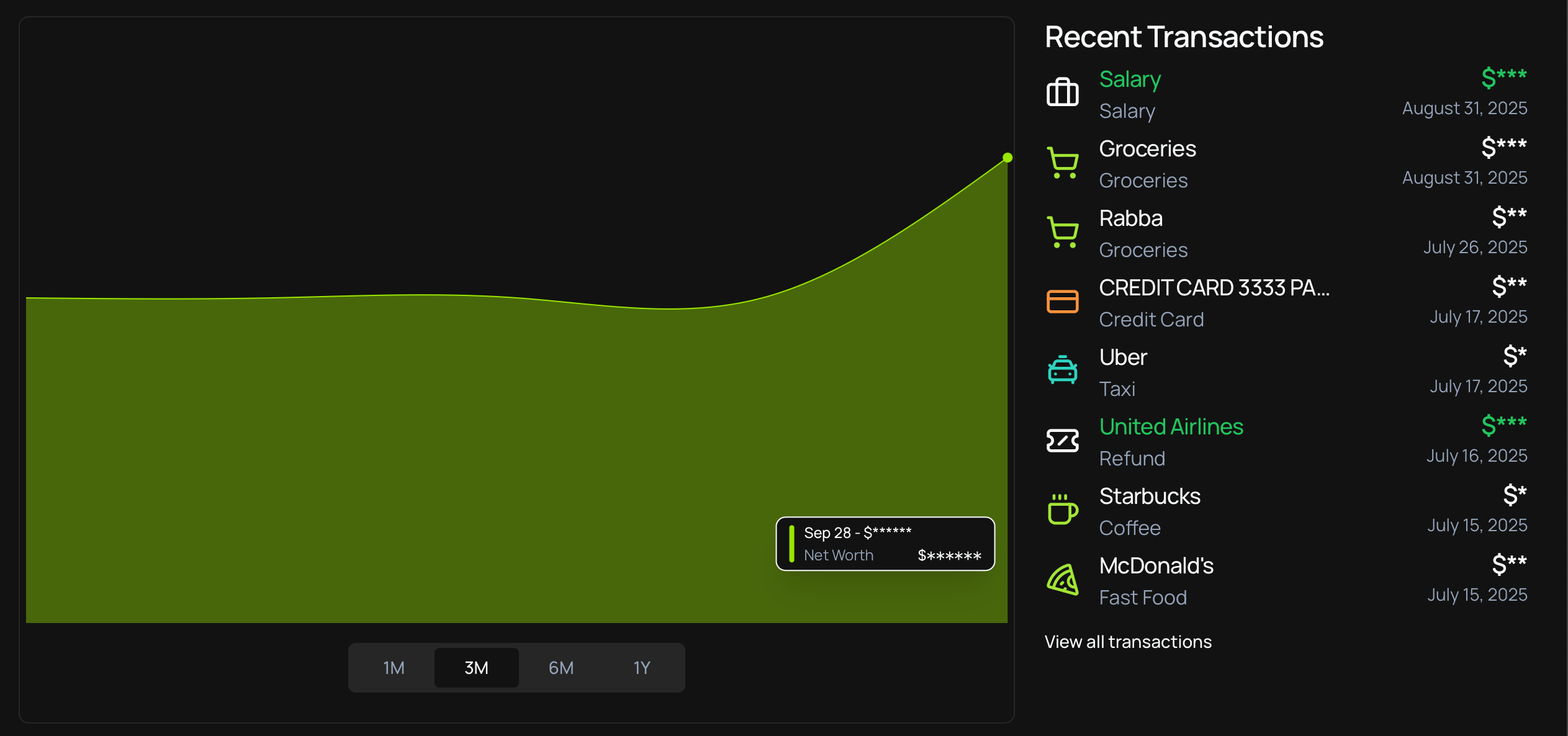
This feature helps you understand your financial trajectory and make informed decisions about your money management strategy.
Announcements
Mobile App Coming Soon
We're thrilled to announce that the Vings mobile app is in development! Soon you'll be able to:
- Access Everything: Full access to all Vings features on your mobile device
- Push Notifications: Get alerts for important account activity and budget milestones
- Secure Access: Bank-level security with biometric authentication
The mobile app will be available for both iOS and Android devices. Stay tuned for more details and early access opportunities!
These updates move Vings further toward what we want the product to be: a calmer, clearer way to understand your financial life, built on a picture you can trust.
Ready to explore these updates? Sign in to your Vings account and see what stands out in your financial picture.